Dragonkind Result Card: Name, Color, Tail
After a Dragonkind bond, the result card lists your dragon's name, color, tail, sex, age, and lineage. See what each field means with two real bonds.
FAQ
What is the Dragonkind result card?
Does the result card show my signet?
What do the Artwork and Rotunda buttons do?
Can I share my Dragonkind bond result?
Are the dragon names on the card official canon?
How is lineage different from color?
What Does the Dragonkind Result Card Show?
When a run ends in a bond instead of a burn, Dragonkind replaces the forest choice screens with a result card: your dragon’s portrait, its personal name in large type, and a stat block for tail, sex, age, color, and lineage. That moment is what players screenshot and post — it is the game saying the dragon chose you, matching the canon rule that you do not pick the dragon. For how bonding works in the books and in play, see dragon bonding explained; for every choice screen before this point, see the Dragonkind walkthrough.

Threshing Day results — will a dragon choose me?
What Screen Appears Right Before the Card?
The game pauses on a short Congratulations, cadet beat — YOU’VE SURVIVED THRESHING — after the last bonding story clicks, before artwork and stats replace the gold forest frame. That screen is not the card yet; it is the handoff from narrative to the bond summary.
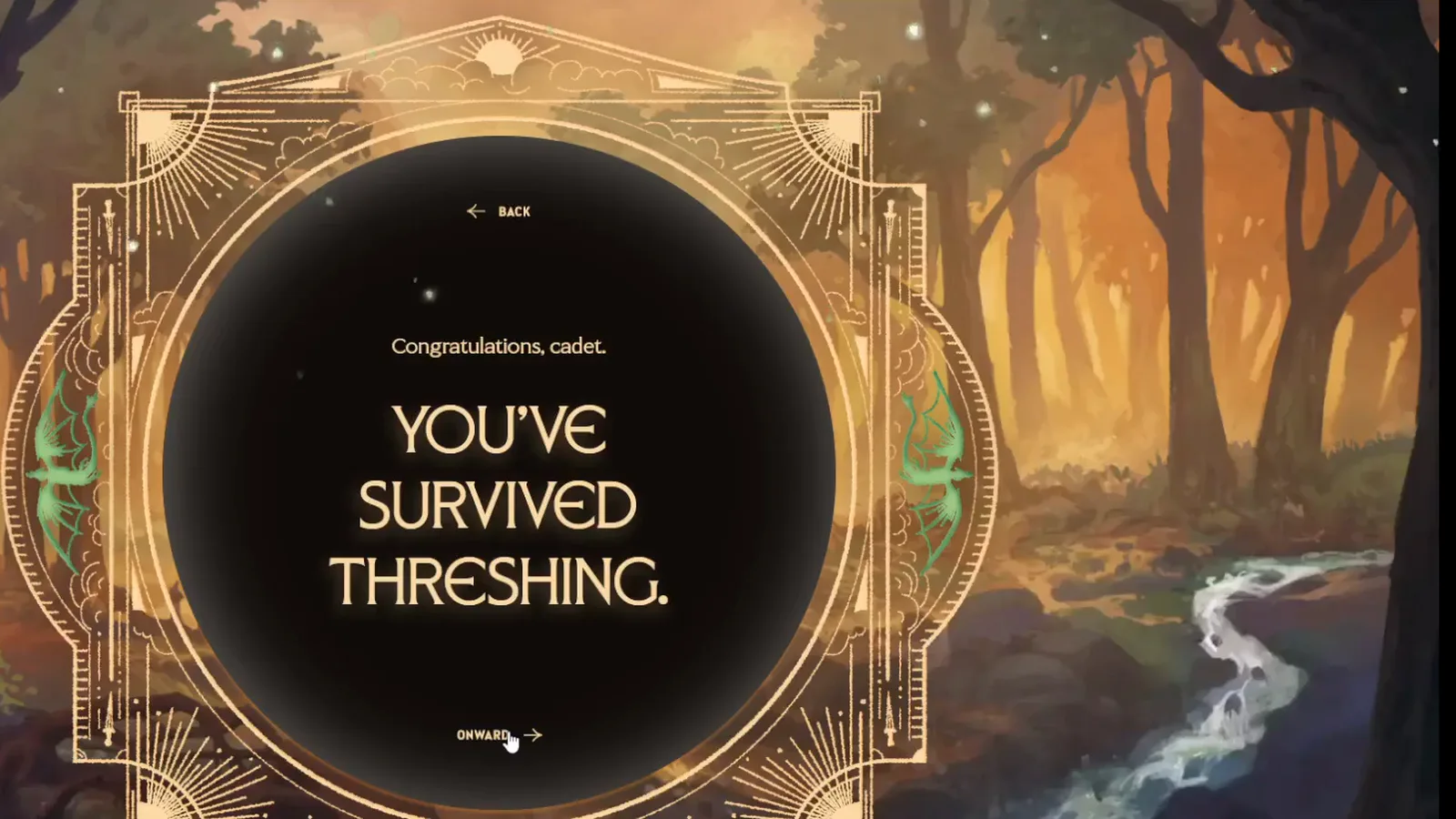
Wide-browser layout before the result artwork loads.
Immediately before that beat, the desktop run shows a story card about sprinting to the dragon’s foreleg and mounting — the last prose click in Dalraine’s bond footage.
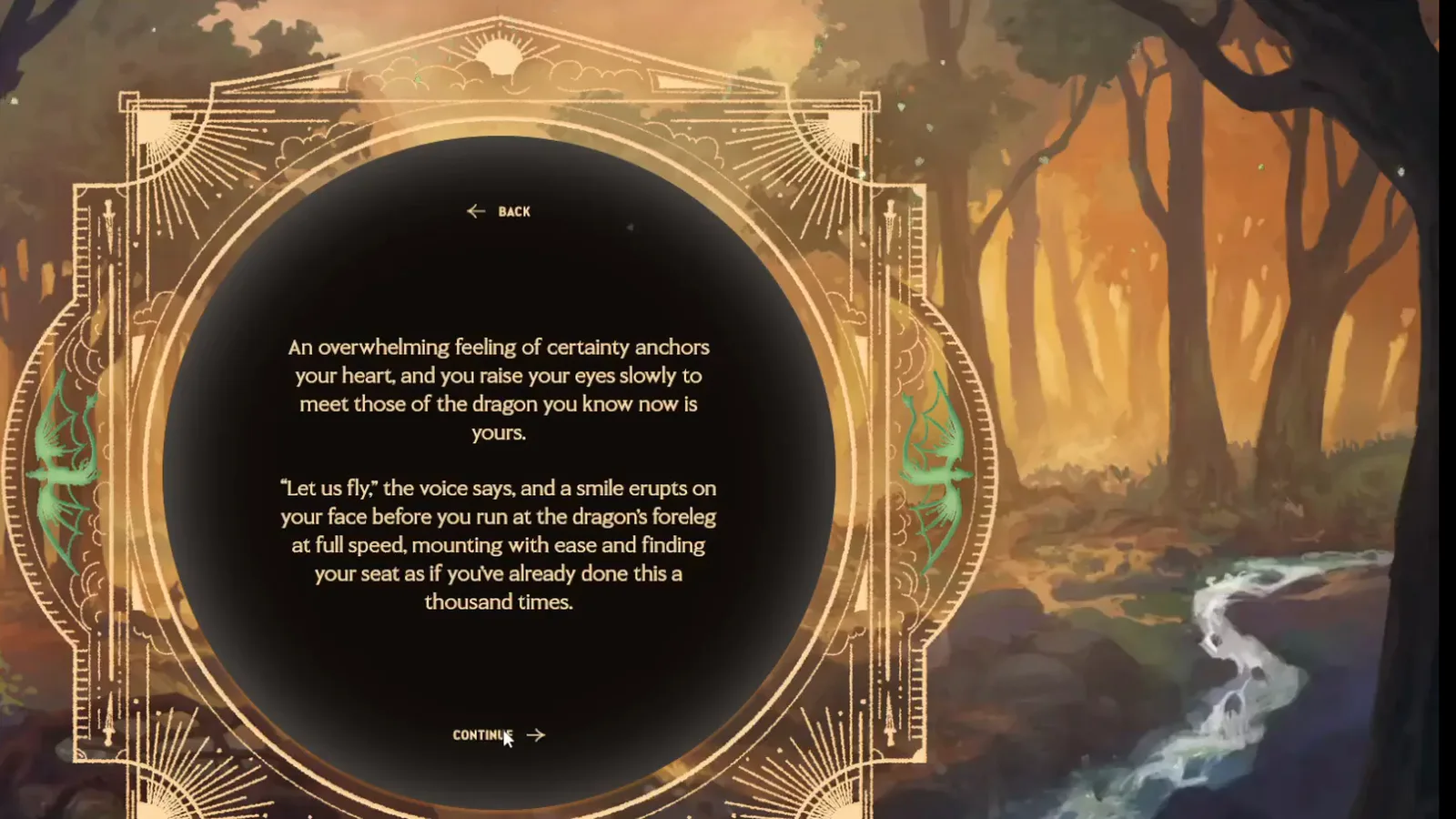
Final narrative card in the desktop recording, not the stat summary.
On phone, the same YOU’VE SURVIVED THRESHING lines appear inside the vertical gold frame, with Artwork and Rotunda footer icons already visible at the bottom.
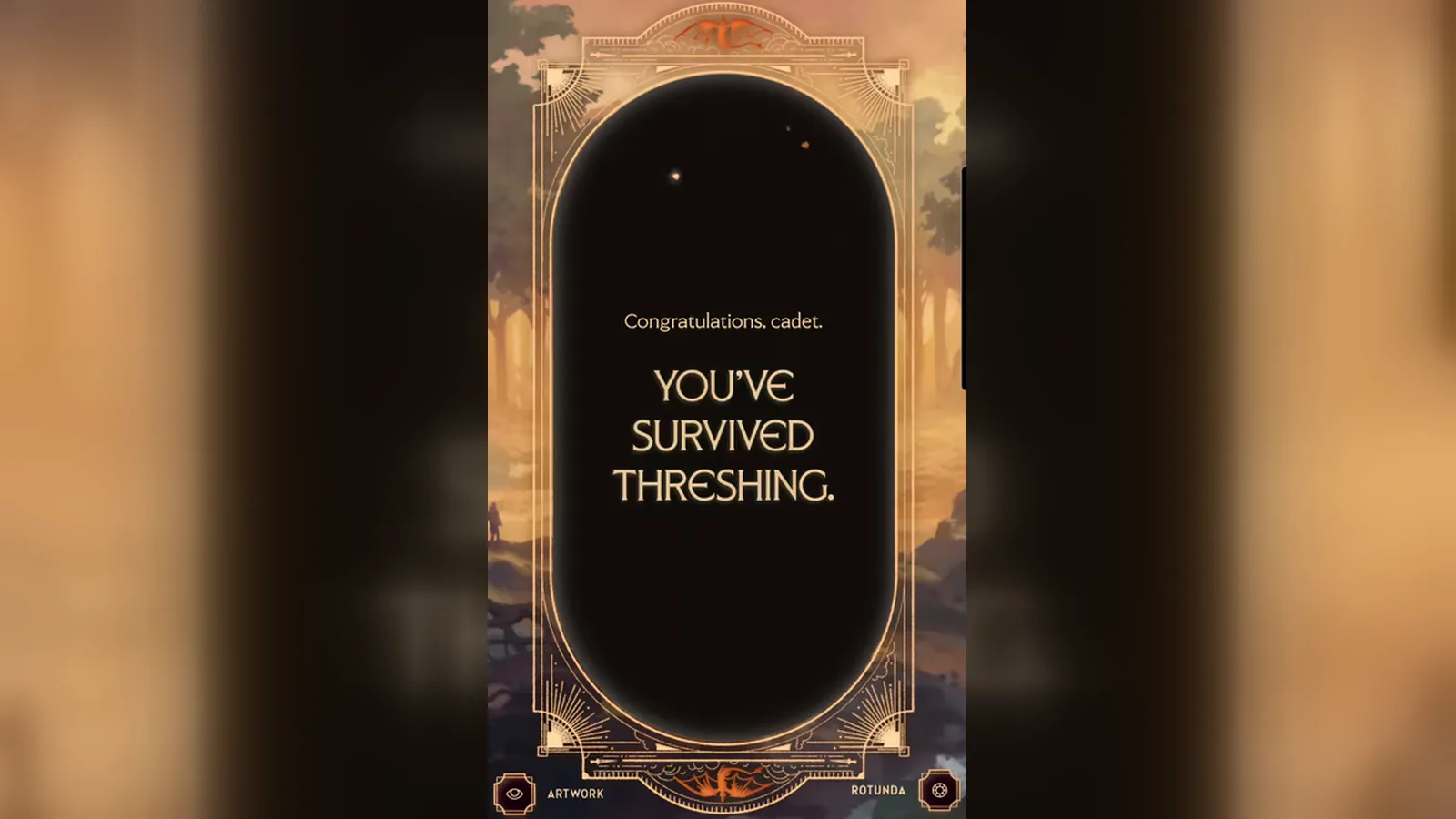
Portrait layout of the pre-card congratulations beat.
If you burned instead, you never reach this sequence — the run stops on the incineration reaction and the cooldown message covered on our burn ending guide.
Which Fields Are on the Bond Result Card?
Recordings agree on six data points the UI exposes once the stat disc finishes loading:
| Field | What it tells you | Canon tie-in |
|---|---|---|
| Name | The dragon’s personal name (large headline type) | Book dragons have names like Tairn or Sgaeyl; your card assigns a game name for your bond |
| Tail | One of the five tail families (Morningstar, Dagger, Sword, Club, Scorpion) | Matches the tail chart on the official Empyrean dens page |
| Sex | Male or female as printed | Shown as Sex on captured cards |
| Age | A number on the card (57 and 96 in our samples) | Display-only in footage; we have no official doc for what it measures |
| Color | The dragon’s den color | Links to our dragon color guides (red, green, blue, brown, orange, black) |
| Lineage | A bloodline name in smaller type | Five lineages are named on the official site; extras are player-reported only |
The official FAQ states you can bond dragons of all colors and tail types; it does not publish a field glossary. Everything in the table above is read straight from player recordings, not from Yarros Ink copy.
How Do Desktop and Mobile Layouts Differ?
The same bond data appears in two layouts depending on viewport.
Desktop (wide browser) spreads the dragon art across the left, prints the name above a square gold frame, and stacks tail / sex / age / color / lineage inside a circle. Shop Merch sits in the top-left corner on the captures we have; Rotunda stays bottom-right. A Share label appears under the circle once every stat line is drawn.
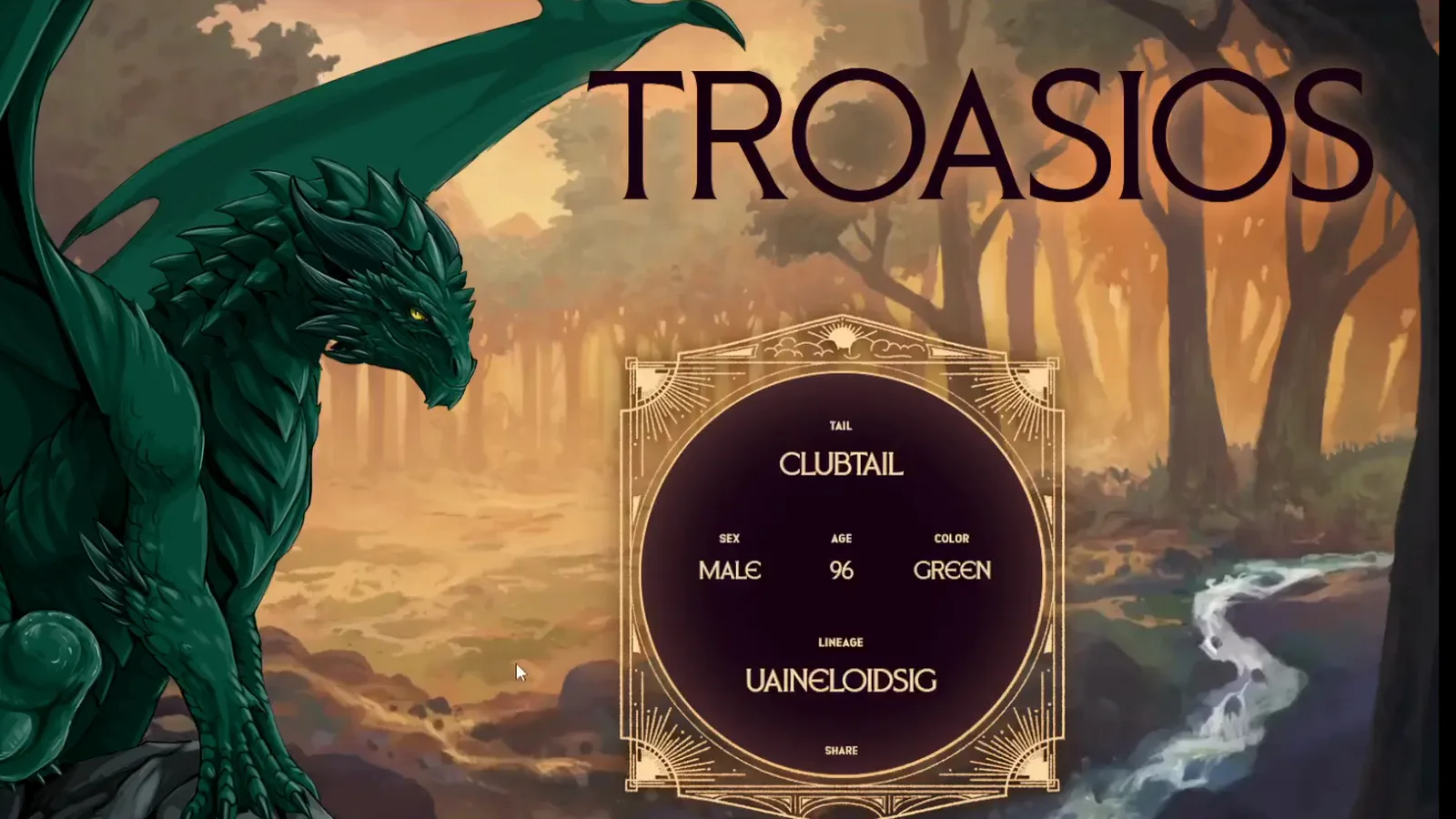
Full desktop stat disc plus the name TROASIOS and green dragon art.
Mobile (portrait) keeps the ornate vertical frame for story beats, then switches to a full-bleed illustration with a compact stat disc at the top and the name across the dragon’s chest. Shop Merch, Artwork, and Rotunda stay in the corners on the orange bond we captured.
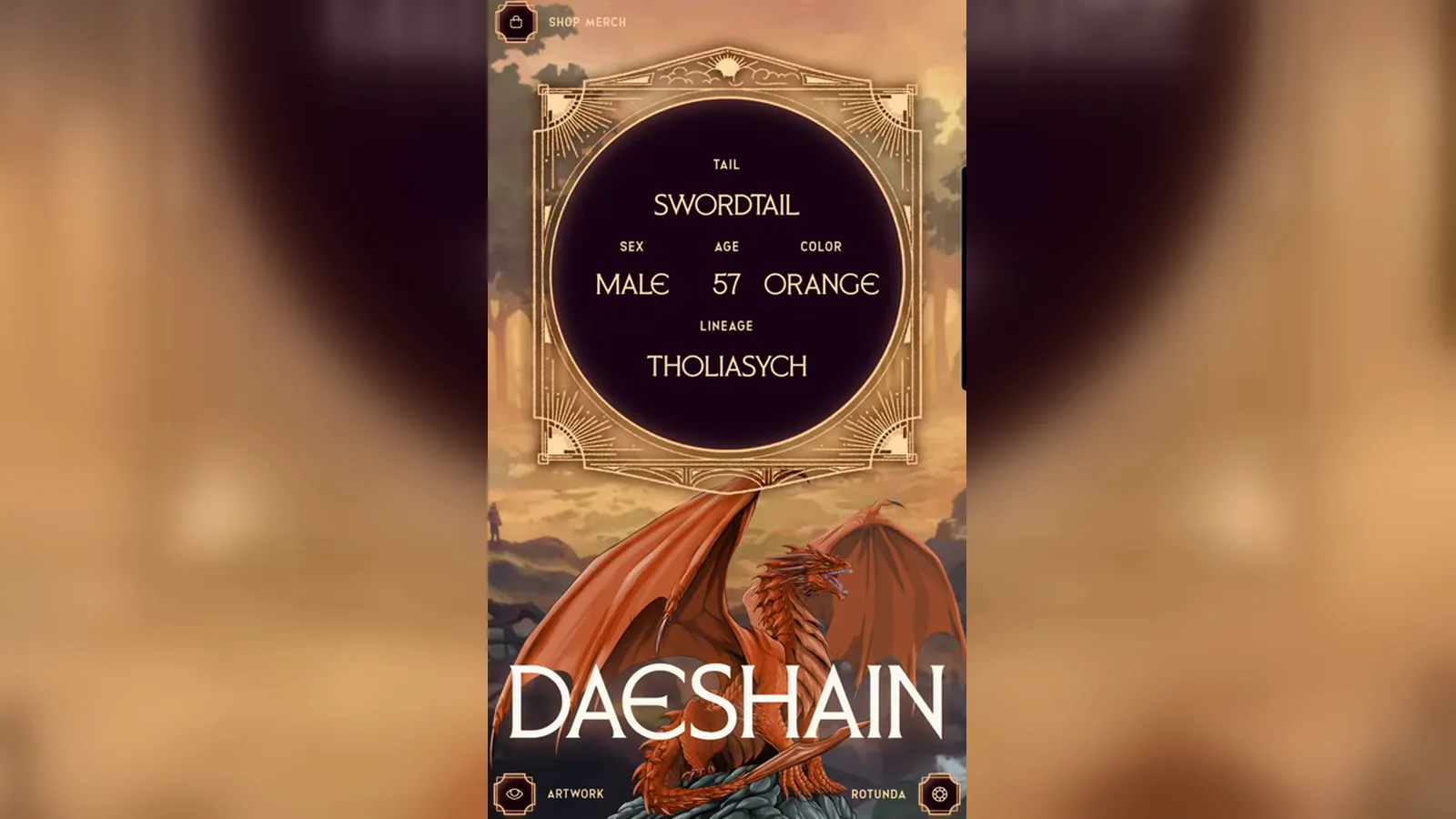
All six fields legible on the phone layout (394×854 source; soft at large zoom).
Neither layout explains how the game picked that dragon — only what you earned on that run. Repeating routes does not guarantee the same bond, and there is no official answer key (see Threshing answers).
What Do Different Bond Results Look Like?
These two published runs show how color and tail change the card while the field list stays the same.
Green clubtail (desktop capture)
Dalraine’s desktop recording assigns the name TROASIOS to a green dragon with Clubtail tail, Male sex, age 96, and lineage Uaineloidsig — one of the two green bloodlines the official series site names. That matches the green dragon guide approach lore (hold ground; never back down in canon).
Orange swordtail (mobile capture)
The mobile vlog shows DAESHAIN, an orange Swordtail, Male, age 57, with lineage Tholiasych. Orange dens are officially called the most unpredictable; Tholiasych appears on player lineage lists but is not one of the five bloodlines the publisher names — treat it as reported from this card, not confirmed canon. Compare with the orange dragon guide.
Want a no-risk preview of which den fits you before you burn a run? Take the Threshing Day dragon quiz, then enter the valley through how to play Dragonkind.
Artwork, Rotunda, and Sharing
Footer controls stay on screen while you read the card. The mobile orange bond shows Artwork (eye icon) and Rotunda (hub icon) during both the congratulations beat and the final stats. The desktop green bond shows Shop Merch and Rotunda on the finished card; Share appears under the stat ring once lineage has loaded.
If you are cataloging bonds for your own records, screenshot the full field list. Fan name lists remain unverified; your card is still the best source for what the game assigned you on that day.
Related Articles
Dragons
Dragon Lineages in Dragonkind: Every Bloodline
Dragon lineages by color: the five bloodlines the official Empyrean site names, the extra ones players report, and what the Dragonkind result card shows.
Guides
What Happens If You Burn in Dragonkind
Burn endings in Dragonkind look like this in real runs: the on-screen insult, the cooldown text, the Rotunda timer, and how a retry starts after you wait.
Guides
Dragonkind Walkthrough: Screen by Screen
Screen-by-screen Dragonkind walkthrough of one fan-recorded run from cadet assignment through the Threshing Valley to a burn ending, with verified screenshots.
Was this helpful?
Thanks for the feedback!